DLSS vs FSR vs XeSS: Which Upscaler Should You Use for Gaming?
Published
On this page
Upscalers are the one “more FPS for free” setting that mostly delivers — they raise real frame rate (and so cut latency), unlike frame generation, which only adds smoothness. Here’s which of the three to use on your hardware and which quality mode is actually worth it.
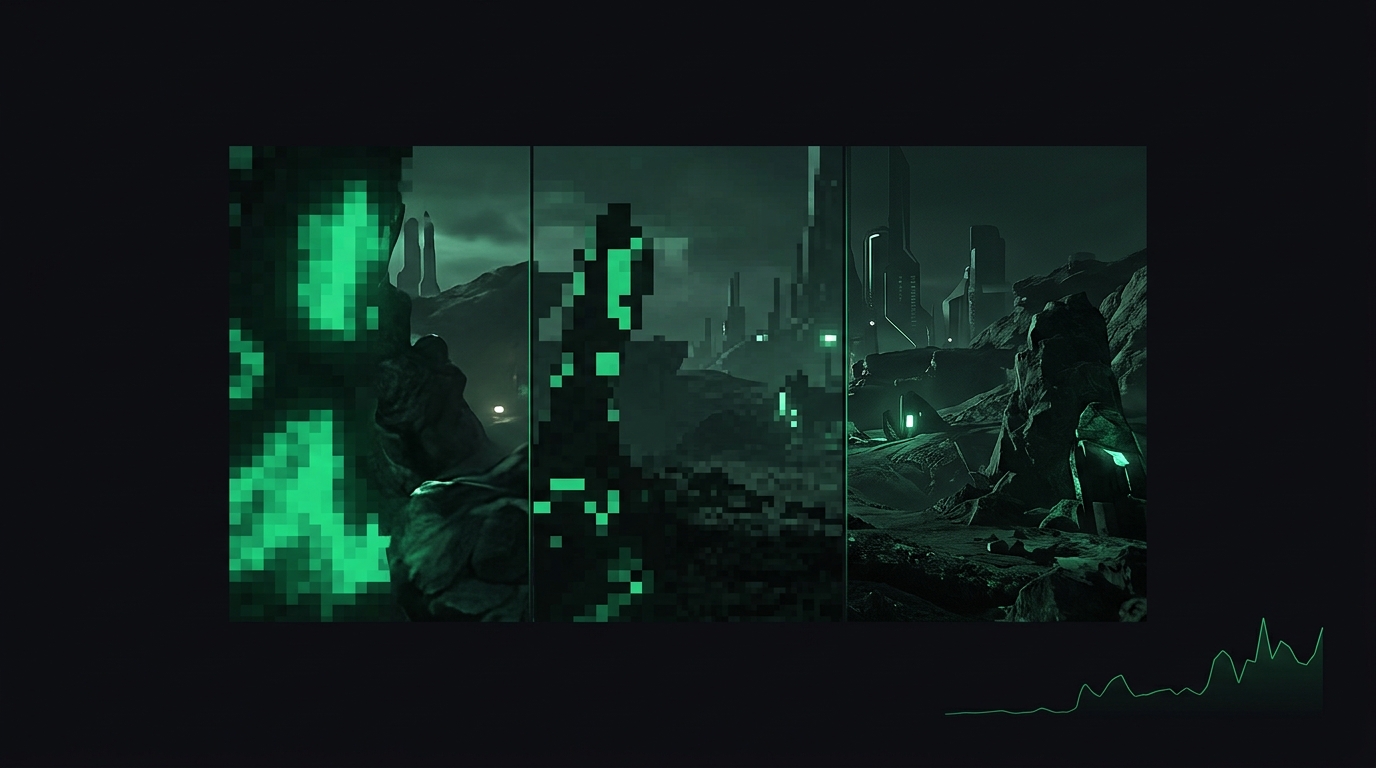
Render at 67%, display at 100%, keep the frames. The trick is in which upscaler reconstructs best.
The three, in one table
| DLSS | FSR | XeSS | |
|---|---|---|---|
| Vendor | NVIDIA | AMD | Intel |
| Runs on | RTX cards only | Any GPU | Any GPU (best on Arc) |
| Image quality | Best, esp. in motion | Good, improving fast | Between the two |
| Hardware used | Tensor cores | Shader compute | XMX on Arc, fallback elsewhere |
Decision rule: RTX card → DLSS. Radeon → FSR. Arc → XeSS. Older GTX/other → FSR (it’s the one that runs everywhere). When a game offers multiple, pick by the table; when it offers only one, that one is fine.
Quality modes: where the value is
Each mode renders at a lower internal resolution and reconstructs:
| Mode | Render scale | Use at |
|---|---|---|
| Quality | ~67% | 1440p+ default — near-native look, big FPS gain |
| Balanced | ~58% | 4K, or 1440p when you need more |
| Performance | 50% | 4K mainly |
| Ultra Performance | 33% | 8K / desperation |
At 1080p, internal resolutions get small enough that artifacts show — use Quality only, or stay native. At 4K, even Performance mode looks remarkably good.
Competitive play: the honest take
Two separate questions:
- Do you need frames? In demanding shooters (Warzone, Tarkov, Helldivers), Quality-mode upscaling raises real FPS and lowers input lag — use it. Per-game specifics: Warzone/BO Royale, The Finals, Marvel Rivals, Arc Raiders.
- Already at 200+ FPS? (CS2, Valorant) Stay native — maximum image stability for spotting heads beats frames you can’t display anyway. Cap sensibly instead: FPS capping guide.
Don’t confuse upscaling with frame generation
Menus bundle them, but they’re opposites on the latency axis:
- Upscaling (Super Resolution): more real frames → less input lag. Safe everywhere.
- Frame Generation: more displayed frames, same or worse input lag. Single-player tool — full breakdown in frame generation and input lag.
Sharpening sliders are a side dish: a touch (0.3–0.5) restores edge crispness at lower modes; too much creates halos around enemies.
Verify on your system
Flip an FPS overlay on, test Quality mode versus native in the same scene, and check both the frame rate and how readable distant enemies are in motion — stills flatter every upscaler. And as always, the rest of the latency chain — Reflex, caps, timer resolution — stacks on top regardless of which upscaler you pick.
Related guides
Frequently asked questions
Which is better, DLSS or FSR?
On an RTX card, DLSS — its image quality at the same performance level is still the benchmark. FSR's strength is running on any GPU, and recent FSR versions have closed much of the gap.
Does upscaling reduce input lag?
Yes. Unlike frame generation, upscaling raises your real frame rate, which directly cuts latency. Quality-mode upscaling is one of the few free wins in the latency chain.
Which DLSS or FSR quality mode should I use?
Quality mode at 1440p and above is generally indistinguishable in motion and a large FPS gain. Use Balanced or Performance at 4K; avoid Performance at 1080p, where artifacts get visible.
Should I use upscaling in competitive shooters?
If you need the frames, yes — more real FPS means less latency. On esports titles your PC already runs at 200+ FPS natively, native resolution gives maximum clarity for spotting enemies.