Best Gaming Keyboard for FPS: Rapid Trigger and Hall Effect Explained
Published
On this page
Keyboard marketing is loud, but for FPS play only a few specs change outcomes: rapid trigger, adjustable actuation, and a sane polling rate. The first two need magnetic (hall effect) switches — and they’re why the competitive keyboard market flipped almost overnight. Here’s what matters and what to buy at each budget.
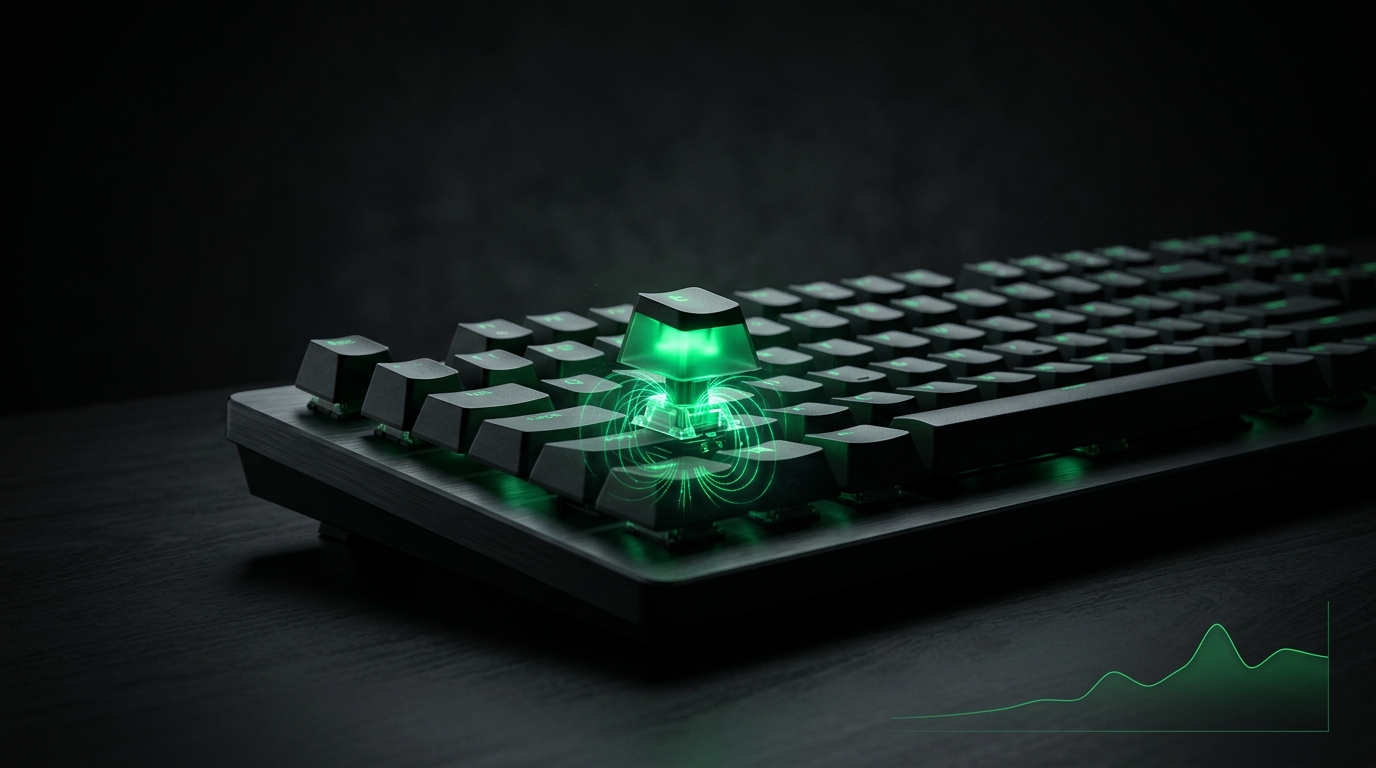
Counter-strafe, shoot, strafe again. Rapid trigger shortens every one of those transitions.
Why hall effect changed the meta
Mechanical switches actuate and reset at fixed physical points. Magnetic switches measure key depth continuously, which enables:
- Rapid trigger — the key resets the moment you begin releasing. In games where stopping cleanly decides duels (CS2 counter-strafing, Valorant deadzoning), this is measurably faster than any mechanical switch.
- Adjustable actuation — set movement keys hair-trigger (0.5 mm) and ability keys deeper to avoid fat-fingering.
If you play movement-precise shooters seriously, rapid trigger is the single keyboard feature worth paying for.
What matters, ranked
| Feature | Impact | Notes |
|---|---|---|
| Rapid trigger | High | Needs hall effect / inductive switches |
| Actuation point (adjustable) | High | 0.5–1.0 mm for movement keys |
| Polling rate | Low–Medium | 1000 Hz is plenty; 8 kHz is ~1 ms better |
| Switch feel / weight | Personal | Lighter = faster, more misclicks |
| Form factor | Personal | TKL/60% frees mouse room at low sensitivity |
| RGB, knobs, screens | Zero | Budget that money into the mouse |
Picks by budget (2026)
Budget (~$50–90): entry hall-effect boards from the big value brands now ship rapid trigger that works. Check for: true per-key actuation settings, onboard memory, 1000 Hz. A used previous-gen flagship is also strong value here.
Mid-range (~$100–160): the sweet spot. Current-gen magnetic boards with mature firmware, 0.1 mm actuation granularity, solid builds. Most competitive players should buy in this tier.
No-compromise (~$170+): flagship magnetic boards add 8 kHz polling, analog-style features, premium cases. Diminishing returns — buy for build quality, not speed claims.
Specific models churn quarterly; the spec checklist above outlives any list of names. Pair whatever you pick with a proper FPS mouse — aim hardware still matters more than movement hardware.
Setup after unboxing
- Set movement keys (WASD) to 0.5–0.8 mm actuation, rapid trigger on.
- Leave crouch/walk modifiers deeper (1.5 mm+) to avoid accidental taps.
- 1000 Hz polling; install firmware updates — magnetic boards improve via firmware constantly.
- Finish the input chain: mouse acceleration off, polling explained, and input delay checklist.
Related guides
Frequently asked questions
What is rapid trigger on a keyboard?
Rapid trigger resets a key the instant you start releasing it instead of at a fixed point, so counter-strafing and movement keys re-arm faster. It is the biggest keyboard-side advantage in movement-heavy shooters.
Are hall effect keyboards worth it for FPS?
For competitive movement games, yes. Magnetic switches enable rapid trigger and adjustable actuation, which mechanical switches physically cannot do. For casual play a good mechanical board is fine.
What actuation point should I set for gaming?
Movement keys around 0.5 to 1.0 mm for speed, with rapid trigger on. If you get accidental presses, deepen the actuation slightly rather than turning rapid trigger off.
Does keyboard polling rate matter?
1000 Hz is the practical standard and plenty. 8000 Hz keyboards measure faster but the difference is around a millisecond — far less impactful than rapid trigger or actuation depth.