CRT Gaming Accessories You Need to Run a CRT on a Modern PC
Published
On this page
A CRT itself is only half the setup — because modern GPUs dropped analog output, you need a few key accessories to actually run one on a current PC. Get these right and your tube runs at full refresh with a clean, sharp signal. Here’s the kit that matters, from the essential adapter to the nice-to-haves.
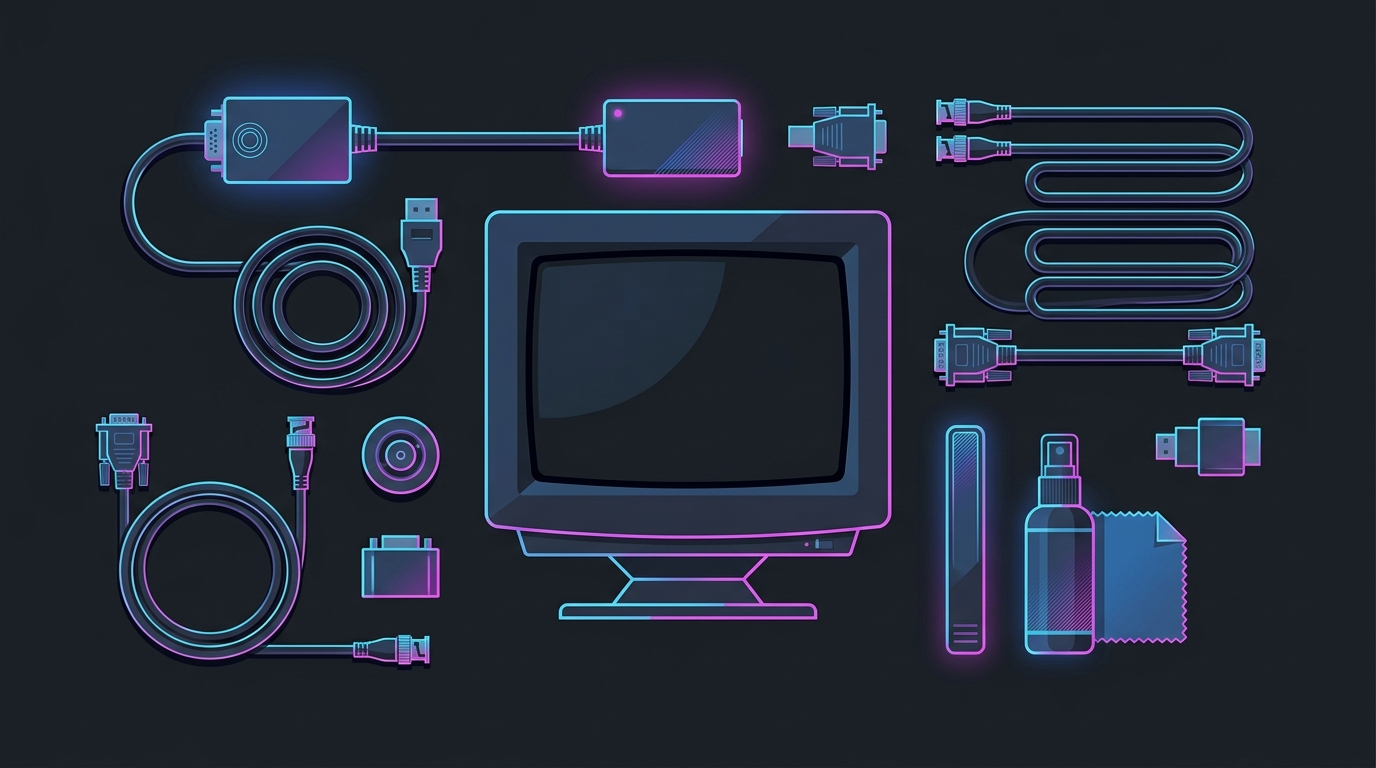
The active adapter is non-negotiable; the rest sharpen the signal and protect the tube.
The essential: an active VGA adapter
Modern graphics cards output digital only (DisplayPort/HDMI), so a CRT needs an active adapter to convert the signal to analog VGA. This is the one accessory you cannot skip, and cheap passive adapters won’t cut it — they can’t drive the high pixel clocks a CRT uses for high refresh rates.
StarTech DP2VGA3 Active DisplayPort-to-VGA Adapter — essential
- Required: modern GPUs have no analog VGA output
- True active converter — handles 100 Hz+ at 1024x768 / 1280x960 class modes
- Passive adapters cap out at low, flickery refresh — avoid them
Chasing extreme modes (1600×1200 at 85 Hz+)? You’ll need a higher-pixel-clock adapter — check the rated pixel clock before buying.
If your GPU only has HDMI free, an active HDMI-to-VGA adapter works the same way:
Benfei Active HDMI-to-VGA Adapter — alternative
- Use when DisplayPort outputs are all in use
- Active conversion with 3.5mm audio out — the proven budget pick
Quality cables
A clean analog signal keeps the image crisp at high refresh. Use a well-shielded VGA cable, or a BNC cable if your tube has BNC inputs (common on premium Trinitrons) for the sharpest possible signal.
Cable Matters VGA Cable with Ferrites (10ft)
- Foil + braid shielding with dual ferrite cores to preserve the signal at high refresh
- 10ft — enough reach without coiling excess cable behind a heavy tube
VGA-to-BNC Cable — for premium tubes
- Uses the separate BNC inputs on high-end CRTs for the cleanest image
- Only needed if your monitor actually has BNC connectors
Cleaning and protection
Used tubes arrive dusty, and CRTs draw a lot of power — protect your investment:
WHOOSH! Screen Shine Duo (ammonia- and alcohol-free)
- Screen-safe solution + microfiber cloths, safe for coated tubes
- Never spray directly on the glass; clean the vents with compressed air
Belkin 12-Outlet Surge Protector
- 3,940 joules — CRTs pull real power and are worth protecting from spikes
- Cheap insurance for an irreplaceable tube, with room for the whole battlestation
Safety: clean only the outside. A CRT stores a dangerous high-voltage charge even when unplugged — never open the casing.
For retro consoles: an upscaler or the right cables
If you’re pairing the CRT with retro consoles, use the best analog cable both devices support (RGB/component beats composite by a wide margin). If you also want to play those consoles on a modern flat panel, a low-lag video upscaler / line-doubler converts the analog signal cleanly:
Retro Video Upscaler / Line-Doubler
- Low-lag analog-to-HDMI for consoles on modern displays
- Not needed for a PC-to-CRT setup — that's the VGA/active-adapter chain
Related guides
- Best CRT Monitors for Gaming
- How to Set Up a CRT for PC Gaming
- Where to Buy a CRT Monitor
- Why CRT Monitors Are Making a Comeback for Gaming
Start with a good active adapter and a shielded cable — that gets your CRT running at full refresh on a modern PC. Add cleaning gear, surge protection, and (for consoles) the right cables or an upscaler, and your retro-and-competitive display is fully sorted.
Frequently asked questions
What accessories do I need to use a CRT with a modern PC?
At minimum, an active DisplayPort-to-VGA (or HDMI-to-VGA) adapter, because modern GPUs no longer output analog VGA, plus a quality VGA or BNC cable. Add a screen-safe cleaning kit and a surge protector to protect the tube. If you're also connecting retro consoles, a video upscaler or the right console cables complete the kit.
Do I need an active adapter for a CRT, or will a passive one work?
You need an active adapter. Passive VGA adapters can't hit the high pixel clocks a CRT uses for high refresh rates, so you'd be stuck at low, flickery refresh. A high-bandwidth active DisplayPort-to-VGA adapter converts the digital signal properly and lets you run 100 Hz+ at competitive resolutions.
What's the best way to connect a retro console to a CRT?
If the CRT has the right analog input (composite, S-Video, component, or RGB/SCART on some models), use the best cable your console and monitor both support — RGB/component look far better than composite. If you want to play consoles on a modern flat panel instead, a video upscaler like a line-doubler converts the analog signal with low lag. For a PC CRT, stick with the VGA/active-adapter chain.
How do I clean a CRT monitor safely?
Power it off and unplug it, then clean the glass with a soft microfiber cloth and a screen-safe cleaner — never spray liquid directly onto the screen, and avoid ammonia on coated tubes. Dust the vents with compressed air. Never open the casing: a CRT holds a dangerous high-voltage charge even when unplugged, so all cleaning stays external.